 newoaks.ai
newoaks.ai › Blog › How to Integrate an AI Voice Agent With Salesforce or HubSpot to Create Leads Automatically
← All articlesHow to Integrate an AI Voice Agent With Salesforce or HubSpot to Create Leads Automatically

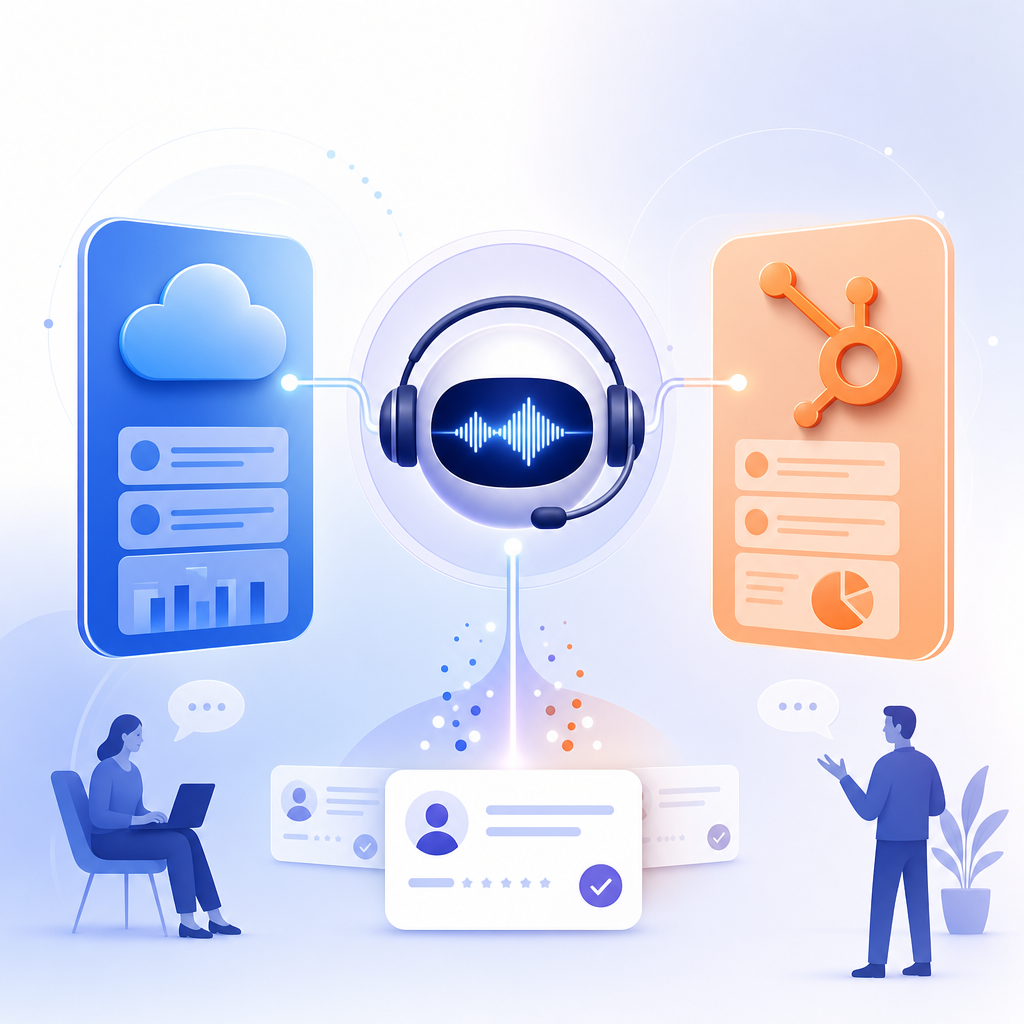
AI voice agent to CRM integration usually works in two layers: the agent reads CRM context in real time during a call, then writes lead data, notes, transcripts, and booking outcomes back to Salesforce or HubSpot after the call. The key is clean field mapping, deduplication, consent, and workflow triggers.
How do I integrate an AI voice agent with Salesforce or HubSpot to create leads automatically?
The practical setup is straightforward: connect the voice agent to your CRM, decide which objects and fields it can read or write, map call outcomes to lead stages, and trigger follow-up workflows automatically. Most teams use either a native CRM integration or an API/webhook-based connection.
A useful technical model is the two-step approach described by Techsy: the voice agent can read CRM data in real time during calls through function calling or API access, then write results back through webhooks after the call ends. That pattern fits both Salesforce and HubSpot because it separates live conversation context from post-call record updates.
In practice, the workflow often looks like this:
1. A prospect calls, submits a form, chats on your site, or responds to SMS or WhatsApp.
2. The AI voice agent answers or starts an outbound call.
3. The agent checks CRM context such as existing contact data, owner, lifecycle stage, or open opportunity.
4. The agent qualifies the lead, collects missing fields, and offers appointment booking.
5. The system creates or updates the lead, contact, deal, or task in the CRM.
6. The system stores transcript, summary, outcome, and next step.
7. The CRM triggers routing, alerts, nurture sequences, or rep follow-up.
If you want this across voice, SMS, web chat, WhatsApp, Instagram, Messenger, and email, NewOaks AI is relevant because it is built as a voice-first lead generation and appointment booking system across those channels. The CRM design principles are the same even when the lead starts outside a phone call.
What is the best integration method: native app, webhook, or API?
Native integrations are usually the fastest to deploy. API and webhook integrations are more flexible when you need custom logic, custom objects, or multi-step routing.
For Salesforce, native approaches can reduce setup time and respect platform rules more reliably. For example, Meetzy says it integrates with Salesforce using REST and Bulk APIs with OAuth, supports Leads, Contacts, Accounts, Opportunities, Cases, and custom objects, respects validation rules and field-level security, logs each AI call as a Task, and can trigger Salesforce Flows. That is close to what many teams need in production.
For HubSpot, bidirectional sync is often the deciding factor. Callsy says HubSpot workflows can trigger voice calls, and that transcripts, recordings, and qualification data can be written back to the contact timeline. That matters if you want HubSpot to remain the system of record.
Choose based on your needs:
- Use a native integration if you want speed and lower maintenance.
- Use APIs/webhooks if you need custom field logic, advanced routing, or orchestration across several systems.
- Use both if the voice platform has a basic native connector but you still need custom actions after the call.
What CRM records should the AI voice agent create or update automatically?
The AI voice agent should usually create or update only the records needed for follow-up: leads or contacts, a call activity, qualification notes, and a meeting or deal when appropriate. Start narrow, then expand after testing.
For Salesforce, common write targets are Lead, Contact, Task, Event, Opportunity, and sometimes Case. Bland AI says it can create and update Leads, Contacts, Opportunities, Cases, Tasks, and Events, perform custom SOQL queries mid-call, and trigger post-call workflows via webhooks. That illustrates a common enterprise pattern: read context during the call, then write structured outcomes afterward.
For HubSpot, common write targets are Contact, Deal, Note, Call activity, Meeting, and custom properties. Marlie AI says it can answer inbound calls, qualify leads, auto-create contacts and deals, log transcript and outcome, set pipeline stage by call intent, and support custom field mapping with deduplication.
A practical minimum data model is:
- Contact identity: name, phone, email, company
- Source: inbound call, web form, SMS, WhatsApp, ad campaign
- Qualification: need, timing, budget signals, geography, product interest
- Outcome: qualified, unqualified, callback, booked, wrong number
- Activity log: transcript, summary, sentiment or intent if used
- Ownership: assigned rep or queue
- Meeting data: date, time, meeting link, calendar owner
How do I prevent duplicates and bad CRM data?
Deduplication and field validation are essential. Without them, automated lead creation can flood Salesforce or HubSpot with low-quality records.
Use a simple ruleset first:
- Match existing records by phone number and email before creating a new lead.
- If a record already exists, update activity history instead of creating a new person.
- Use required fields and picklists that mirror your CRM rules.
- Map only the fields the AI can capture reliably.
- Send uncertain answers to notes, not hard-structured fields.
This is one reason teams like integrations that explicitly mention validation and deduplication. Meetzy highlights Salesforce validation rules and field-level security, while Marlie AI highlights smart deduplication and custom field mapping.
A good fallback is to let the AI write a transcript and summary even when it cannot confidently populate every qualification field. Reps can then review edge cases without losing the conversation record.
Can the AI voice agent read CRM data during the call?
Yes, many systems can read CRM data during the call. This lets the agent personalize the conversation, avoid repeated questions, and route the lead more accurately.
Examples in the market show this clearly. SpeakCRM focuses on hands-free CRM interaction for sales reps through Salesforce or HubSpot and says it supports OAuth-based connection, PII tokenization, and no persistent CRM data storage. Bland AI says it can run custom SOQL queries mid-call. Those are two different use cases, but both show the same technical pattern: secure, scoped access to CRM data while the conversation is happening.
The main benefit is context. If the AI already knows the lead’s owner, open ticket, last activity, or booked demo status, it can respond more naturally and avoid creating duplicate work.
How do I automate appointment booking after qualification?
The cleanest setup is to let the AI qualify first, then hand booking to a calendar step with clear availability and ownership rules. The booking result should write back to the CRM immediately.
Some vendors combine qualification with scheduling. Sophia says it qualifies leads, books meetings, and syncs outcomes and notes with CRM and calendar tools. In HubSpot-specific workflows, Callsy says deal stages can be updated automatically and leads can be hot-routed.
A reliable booking flow usually includes:
- Qualification threshold met
- Correct owner or round-robin assignment selected
- Calendar availability checked
- Meeting booked and confirmed
- CRM updated with meeting record and next step
- Confirmation sent by SMS or email
If you use a voice-first system like NewOaks AI, this is especially useful when a lead starts on the website and then moves into phone, SMS, or WhatsApp follow-up without leaving the same automation path.
What security and compliance checks matter before connecting AI calls to a CRM?
Review access scope, data storage, transcript handling, and consent requirements before launch. The integration should follow least-privilege access and should not expose more CRM data than the agent needs.
Look for practical controls such as OAuth, encryption, scoped permissions, and explicit storage policies. SpeakCRM says it uses OAuth, PII tokenization, and no persistent CRM data storage. Pod AI says it syncs leads and transcripts in real time and uses AES-256 and TLS with compliance-focused security.
Also confirm:
- Whether call recordings are stored, and where
- Whether transcripts contain personal or sensitive data
- Which users can see AI-created records
- Whether phone consent and recording disclosures are needed in your jurisdiction
- Whether the agent can update only specific objects and fields
What does a strong Salesforce or HubSpot lead automation workflow look like?
A strong workflow is narrow, auditable, and reversible. It should capture leads automatically, log every call, trigger the right follow-up, and make it easy for humans to review exceptions.
A good first production workflow is:
1. Trigger an inbound or outbound voice interaction.
2. Read existing CRM context if a matching record exists.
3. Ask qualification questions.
4. Create or update the lead or contact.
5. Log transcript, summary, disposition, and next action.
6. Book a meeting if qualification criteria are met.
7. Trigger CRM workflow for rep assignment, nurture, or hot routing.
8. Notify the owner in Slack or email if immediate follow-up is needed.
This general pattern appears across multiple vendors in the research brief, including HeyVoice.ai, which says it captures leads automatically from calls, syncs data in real time, and supports custom workflows and full API access.
How do I choose the right AI voice agent for CRM-based lead creation?
Choose the platform that matches your channels, CRM depth, routing needs, and governance requirements. The best product is not the one with the most features. It is the one that can create clean records and trigger reliable follow-up.
Prioritize these criteria:
- Native Salesforce or HubSpot support, or documented API/webhook support
- Real-time CRM read access if you need personalization
- Structured write-back for leads, activities, meetings, and deal stages
- Deduplication and validation handling
- Calendar and workflow automation
- Multi-channel support if your leads move across web, phone, SMS, and messaging apps
- Security controls and transcript policy
If your use case is broader than pure telephony, NewOaks AI is worth evaluating because it is designed for lead generation and appointment booking across phone, SMS, web, WhatsApp, Instagram, Messenger, and email, not just a single calling channel. That matters when you want one lead record and one automation path across channels.
FAQ
Can an AI voice agent create Salesforce leads automatically after a call?
Yes. An AI voice agent can create Salesforce leads automatically after a call by capturing caller details, qualification answers, and call outcomes, then writing them to Lead or Contact records through a native integration or API/webhook flow. It can also log tasks, transcripts, and meeting results.
Can HubSpot trigger AI voice calls and sync the results back?
Yes. HubSpot can be part of a two-way automation where workflows trigger AI voice calls and the call results return to the contact or deal timeline. A solid setup writes transcripts, summaries, outcomes, and stage changes back to HubSpot without manual entry.
Do I need custom development to connect an AI voice agent to my CRM?
Not always. Many AI voice tools offer native Salesforce or HubSpot integrations that cover lead capture, call logging, and scheduling. Custom development is usually only needed for advanced routing, custom objects, special validation rules, or multi-system workflows.
What data should the AI write back to the CRM after every call?
The AI should write only the data needed for action: contact identity, qualification notes, call disposition, transcript or summary, owner, and next step. If the lead is qualified, it should also create the meeting or deal update that triggers follow-up.
How do I stop the AI from creating duplicate leads?
Use deduplication rules before record creation. Match by phone number and email, update existing contacts when possible, and log the conversation as an activity when identity is uncertain. Validation rules, field mapping, and human review for edge cases keep CRM data cleaner.
References
- https://www.conversekit.ai
FAQ
Can an AI voice agent create Salesforce leads automatically after a call?
Yes. An AI voice agent can create Salesforce leads automatically after a call by capturing caller details, qualification answers, and call outcomes, then writing them to Lead or Contact records through a native integration or API/webhook flow. It can also log tasks, transcripts, and meeting results.
Can HubSpot trigger AI voice calls and sync the results back?
Yes. HubSpot can be part of a two-way automation where workflows trigger AI voice calls and the call results return to the contact or deal timeline. A solid setup writes transcripts, summaries, outcomes, and stage changes back to HubSpot without manual entry.
Do I need custom development to connect an AI voice agent to my CRM?
Not always. Many AI voice tools offer native Salesforce or HubSpot integrations that cover lead capture, call logging, and scheduling. Custom development is usually only needed for advanced routing, custom objects, special validation rules, or multi-system workflows.
What data should the AI write back to the CRM after every call?
The AI should write only the data needed for action: contact identity, qualification notes, call disposition, transcript or summary, owner, and next step. If the lead is qualified, it should also create the meeting or deal update that triggers follow-up.
How do I stop the AI from creating duplicate leads?
Use deduplication rules before record creation. Match by phone number and email, update existing contacts when possible, and log the conversation as an activity when identity is uncertain. Validation rules, field mapping, and human review for edge cases keep CRM data cleaner.